Save your setup
Save audio profiles and switch between them. Exclude apps you want macOS to play directly.
 AudioRouter
Turn down one app, mute another, or send each to a different output. AudioRouter puts those controls in one place.
Tested on macOS 27.2.1. Mac App Store release in preparation.
Setup and support
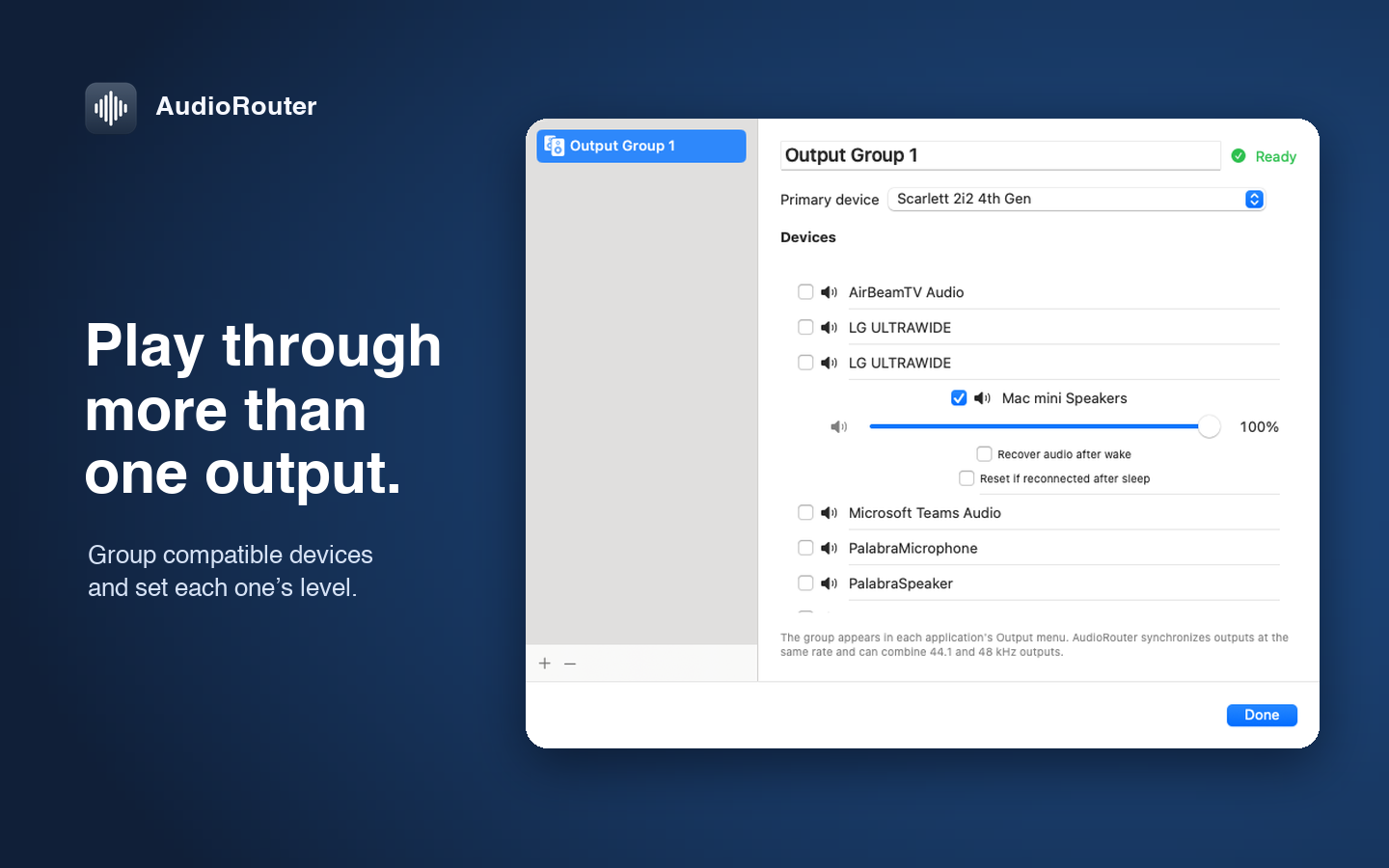
Combine speakers, displays or an audio interface. Set each output’s level and route apps to the group.
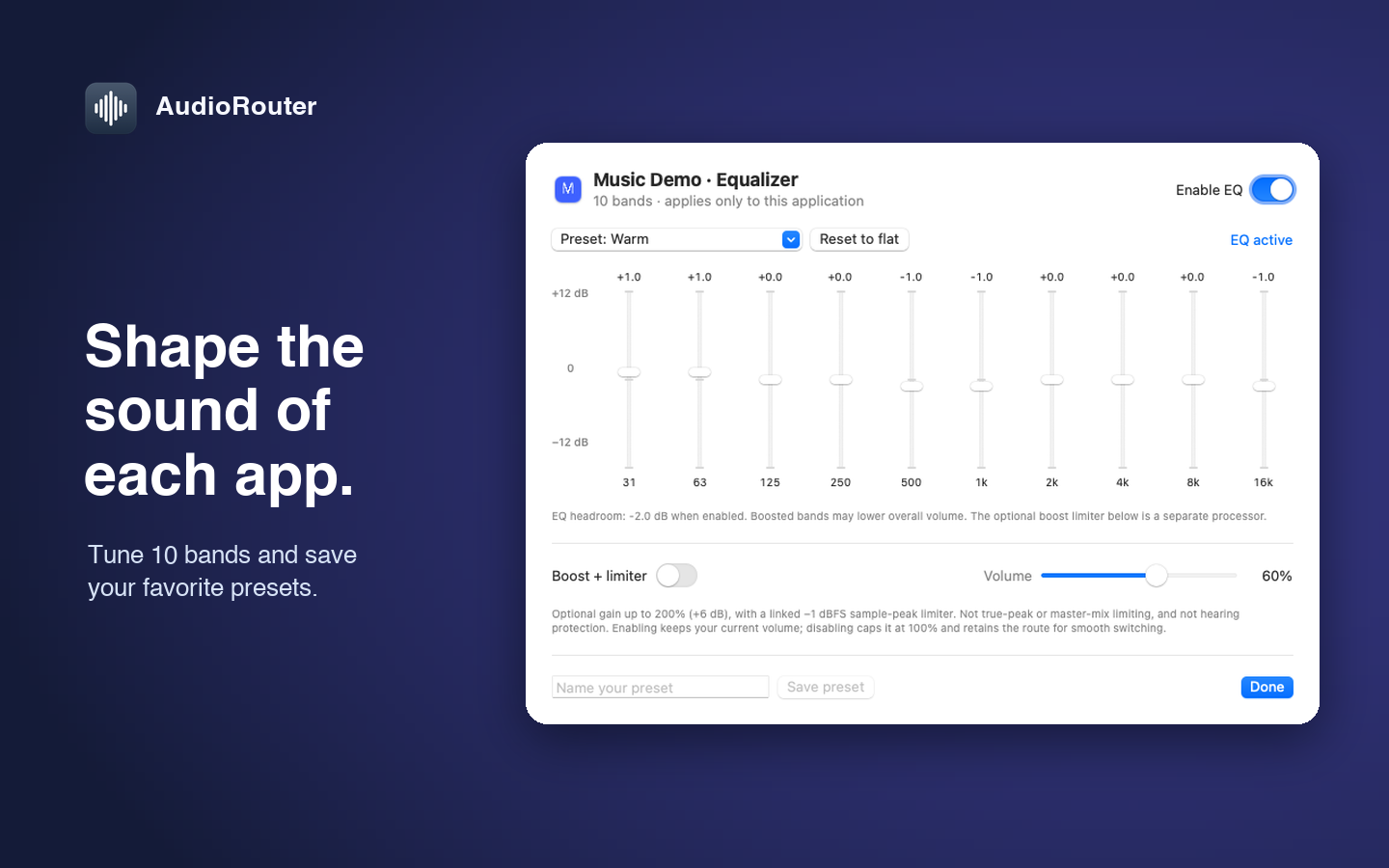
Use a 10-band equalizer for individual apps or outputs, save presets, and boost quiet apps with a limiter.
Save audio profiles and switch between them. Exclude apps you want macOS to play directly.
See live meters for routed apps and mute them from the menu bar.
Both editions let you show or hide AudioRouter with a configurable global shortcut. The direct-download edition also supports physical volume and mute keys.